Find
Start with a supported website, Instagram post, TikTok post or recipe you know by heart.

Keep the recipe. Leave the feed.
Turn supported social posts and recipe pages into ingredients and directions inside your own cookbook. Matton keeps the original source without making you return to the scroll.

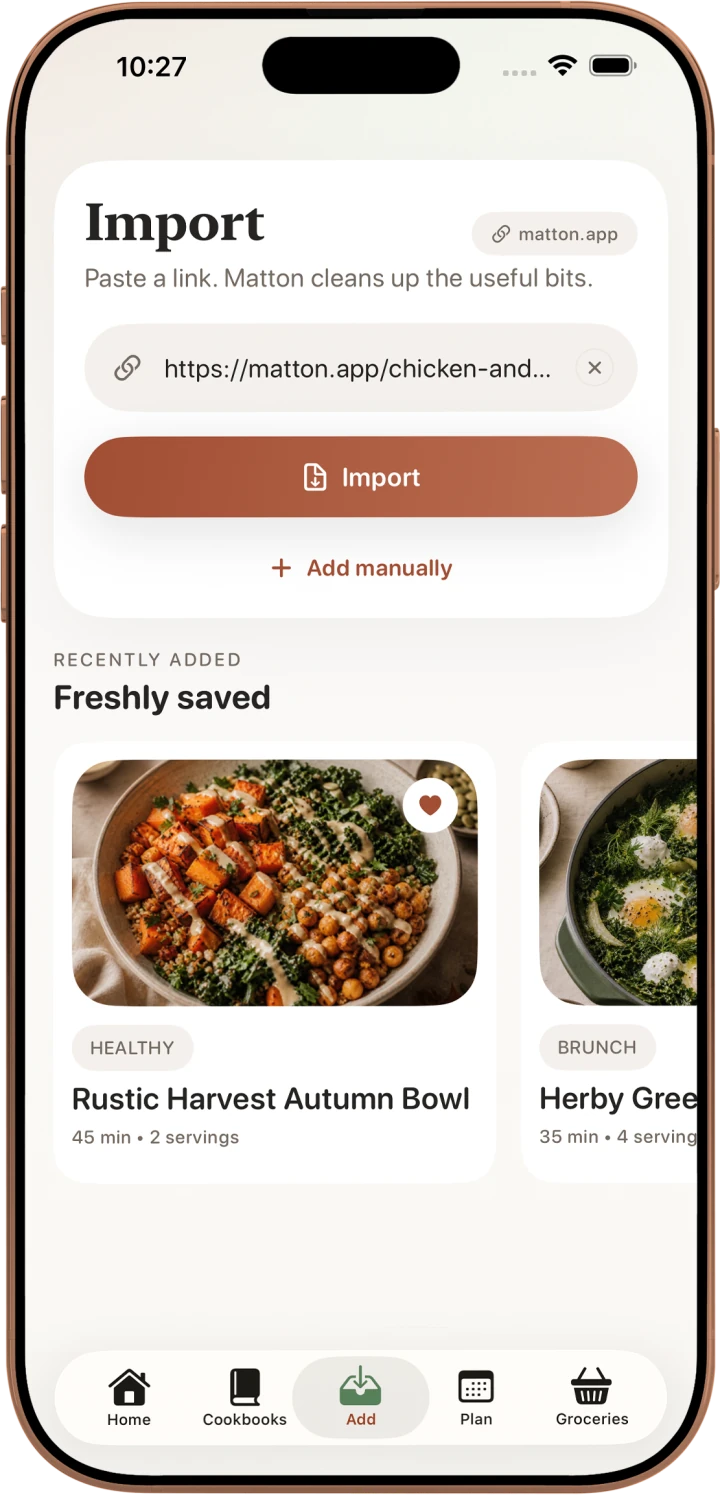
Start with a supported website, Instagram post, TikTok post or recipe you know by heart.
Bring the useful recipe into Matton with its source, ingredients and directions.
Edit what needs changing and file the recipe in a cookbook you will remember.
From a post to your kitchen
Social apps are good at showing you something once. They are less useful when your hands are messy and you need the third step again.
Matton gives the recipe a permanent place in your collection, while keeping a link back to the creator and original source.
Your recipe after import
Once a recipe is in Matton, scale it, organize it, plan it, add ingredients to groceries and follow it in Cook Mode with clear steps and timers.
Not everything starts online
Add or edit a recipe by hand when the important details live in a notebook, a text or your memory. Your collection can mix imported finds with the food that is already yours.
Imported recipe content stays on your device unless you choose to sync or share it.
Read about privacyFree to download
Start saving recipes into your own cookbook on iPhone.